Everything you need at the register, for your customer and for you.
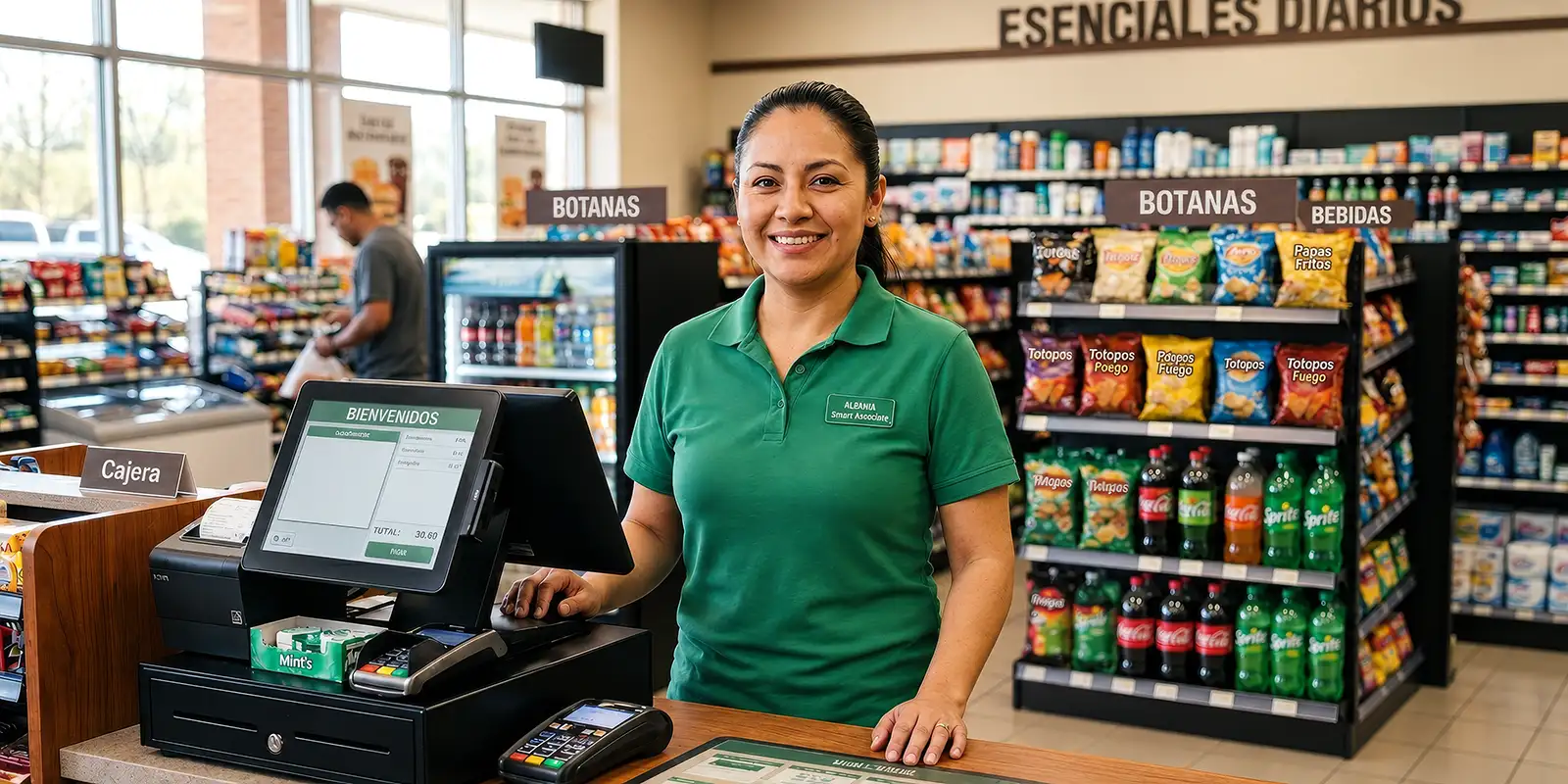
Prepaid top-ups & wireless services, global money transfers, bill payments, digital codes, and more.

on wireless top-ups, domestic and international.
That sits on top of the commission you already earn.
on every transaction completed using your axexo card.
on every $1 USD spent.
Customer shows barcode on their phone. Every code is single use, so it has to be the live one on the screen.
Open OnRamp Money and scan the barcode with the camera. Enter the code manually if needed.
Confirm the amount, fee, name, and phone number. Make sure the cash matches amount, then tap Next.
“Settling in USDT” will appear. Complete the transaction only when you see the green ✓.
The code is invalid or expired. Ask the customer to generate a new code.


For prepaid top-ups, sending money home, zero-fee transfers to friends and other axexo users, bill payments, digital codes, and more.
on every transaction, plus USDT rewards on select ones.
and moves as easily as a message.
with your own account and routing number.
Keep $10 or more to stay fee-free.
In the axexo app, tap OnRamp Money.
Choose or enter an amount, then tap Set amount. The fee is shown before you confirm.
Your app generates a single-use barcode with an expiration countdown.
Tap Nearest POS for nearby locations. At the store, merchant will scan your barcode and collect the cash.
After the scan is confirmed, tap Redeem. Your USDT balance updates instantly.
axexo.com/app
axexo.com/en-us/personal